


First, what is the difference between WordPress.com and a self hosted WordPress website (WordPress.org)?
For starters, when you sign up for a WordPress.com subscription, you are signing up to build a website (more often blog) that is already fully hosted and all you need to do is start designing your site. You either sign up for a free account with limited storage and customization options, or a paid premium / business account which allows for slightly more freedom. WordPress.org (self hosted) on the other hand is a free open-source content management system, or to simplify, a website building software. Since it is a software rather than a managed platform, you will have the responsibility of finding your own host as well as keeping it updated and secure.

Why choose WordPress.org over WordPress.com?
Now, I know what you’re thinking. WordPress.org sure does sound like a lot more work and trouble to set up versus an easy to manage blog on WordPress.com, and you would be partly right. But, the main difference is that when you get to choose your own host, you get the freedom to control your own website on a whole grander scale. Not only are you able to create a website without platform restrictions (like what kind of features you can integrate,) but you also have more control over your website’s speed, top SEO (search engine optimization) tools, great security and much more. Yes, WordPress.org does take a little bit more time to get started with as you need to research hosting, themes, and the setup process, but that’s where I come in! I’m here to help you understand the setup process and make it sound as simple as possible, plus, I’ve already done the research and found some top services for you!
Everything you need to set up a self hosted WordPress website
To make this as simple as possible, I will use an analogy. Imagine you are building a physical store front for your business:
1. Domain
First you’ll need an address. This is your domain. Your domain is the address people will type in to get to your website.
For all of my domains (and I have a lot) I use NameCheap. They are extremely cost friendly and provide great support when you’re ready to point your domain to your website.

2. Hosting
Next, you need to purchase the land to build your store on top of. This is your host. Your host is the “plot of land” or online space where you website resides.
I always recommend SiteGround for any kind of web hosting. (I use them for my own 5 websites!) They have amazing customer support & service, great security & speed optimization, and they offer free SSL certificates (which is a must!)

3. WordPress Software
Once you have some land, you need to build the structure of your building, like the walls and roof. This would be WordPress.org. WordPress is the software you install on your host, which becomes the backbone of your website.
The WordPress software is completely free and you can easily install it through your host. Get in touch with SiteGround and they’ll be happy to help!
4. Theme
Last, but not least, you will need to start designing the interior and flow of your store. This is your theme. Your theme will determine the visual look and style of your website.
For a high quality theme with a drag-and-drop builder (similar to Squarespace’s interface) I use the Divi theme. It is a clean theme that gives you the ability to build anything you want, and easily.

I hope my explanations help you better understand what a self hosted WordPress website is (in comparison to WordPress.com) and what steps you need to take set up a self hosted WordPress website!
Download the checklist for setting up & building your WordPress.org website:

Download the checklist for setting up & building your WordPress.org website:

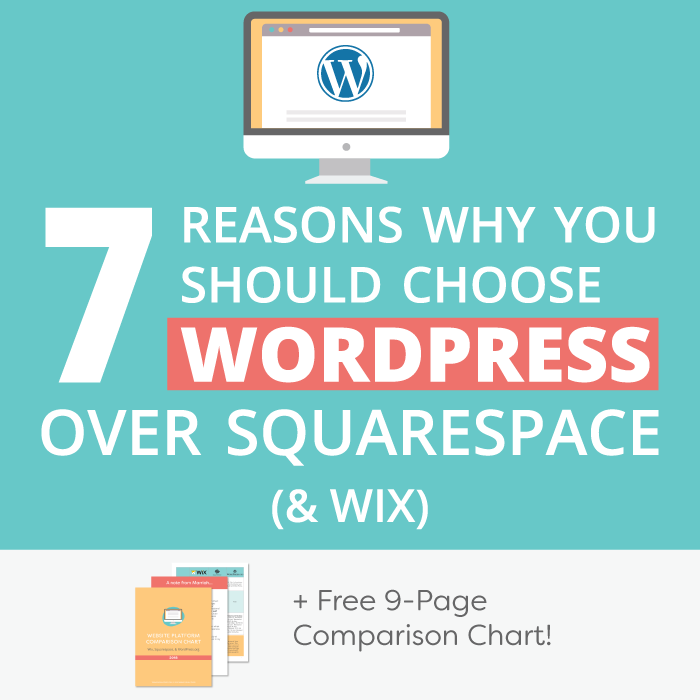
If you want to learn more about the benefits of a self hosted website, why you should choose WordPress over managed platforms like Squarespace, and how to get set up in the platform, check out my free eCourse, Understanding WordPress.

Comment below if you have any questions, or hop into my Free Facebook Group for input from myself and the community.



i like the way you explain everything to us in a normal way,
keep up this hard work, thanks for your valuable post.
Thank you for your kind words! I’m happy I was able to make this information more easily understandable for you! 🙂
Marriah
Great job.
keep it up.
Understanding the tech behind a website is so important. Without that knowledge you won’t be as successful
Do very true. Thanks for reading!
Marriah
These are great tips! I wish I would have read this before I set up my site!
xoxo Christie
http://www.icanstyleu.com/blog/
I’m glad you find these tips useful Christie! Feel free to share with anyone else you see struggling to build a site!
Marriah
Great info thanks for sharing. Wish I would have read this earlier.
Thanks for reading!
Marriah
This would have been super helpful back when I was first starting out! Very easy to understand unlike a lot of the things I had read that seemed to assume I knew ANYTHING.
I’m glad it is easy for you to understand Jamie, and I’m sorry you couldn’t find an easy guide like this sooner!
Marriah
I’m already on a self hosted wordpress and I love it!
xo,
Mama in Heels
Yay, that’s so great, glad you love!
Marriah
I have a WordPress account, I was thinking if I should start to get a hosted one. What are the pros and cons of having a hosted site?
You can read the differences at the beginning of this post. 🙂
Marriah
Very helpful information, thank you! What are the reasons you use SiteGround?
Thanks for reading Lauren! I’ve worked with multiple hosts for a variety of clients (BlueHost, HostGator, GoDaddy, InMotion Hosting…) and they all have had terrible results. Extremely long wait times for support, slow websites, constant server downtimes, customer service saying one thing and changing it to another regarding pricing, etc… Working with all of those hosts was extremely frustrating. SiteGround is the only host that I’ve found who has incredible fast chat support that are extremely helpful, great server uptime (I’ve never seen my website go down regarding a server error,) great speed, awesome security, and they even offer free SSL! I love SiteGround and will always recommend them for their quality services. 🙂
Marriah